
Clover inventory for coffee shops
Your Clover rings up drinks. ShelfMule turns every ticket into beans, milk, syrup and cups taken off stock — so counts make sense and you know what each drink really costs.
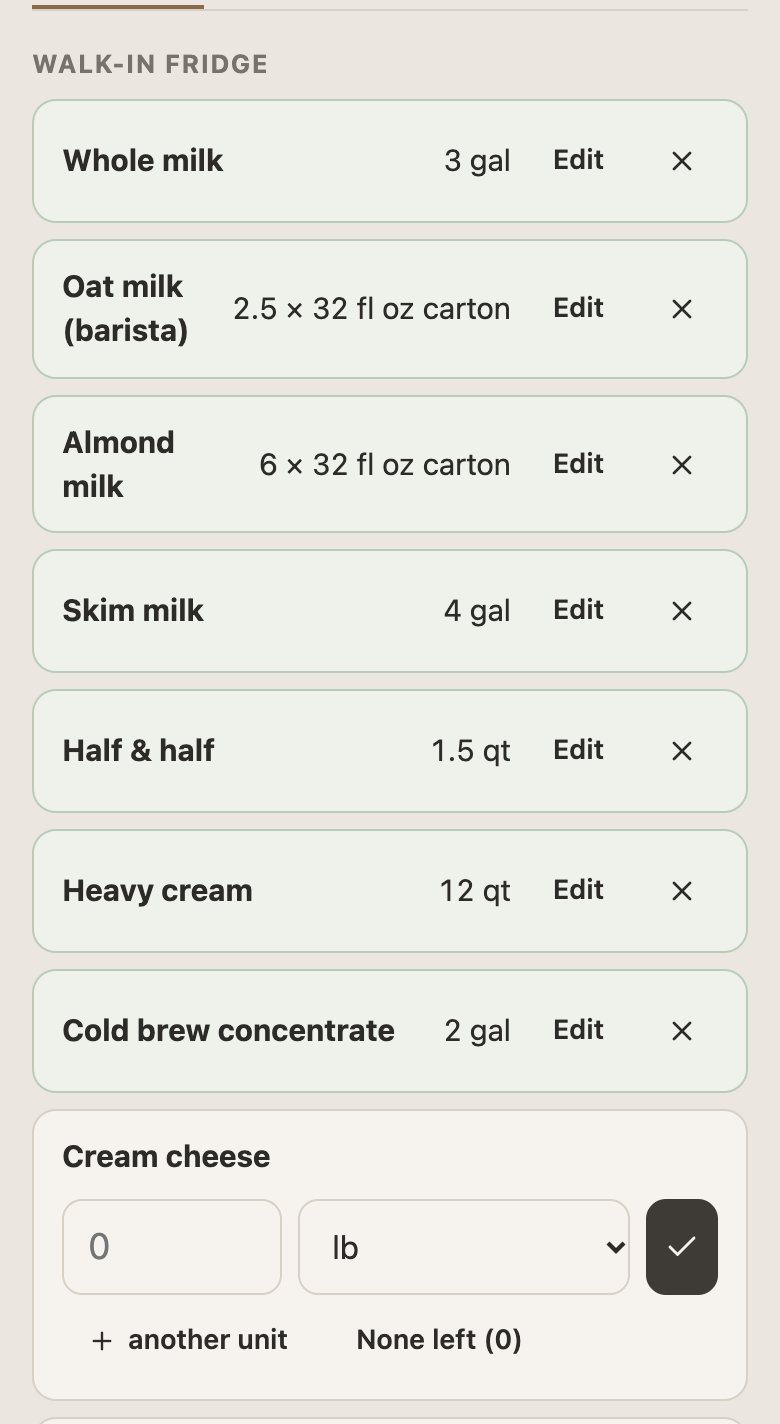
Built around how a café uses Clover
Modifier groups
Size, milk, extra shot, syrup — ShelfMule reads Clover modifier groups and lets you say what each one changes in the recipe. Oat milk swaps the milk; an extra shot adds 9 g of beans.
Staff from Clover
Your Clover employees come in as staff. Each gets a PIN for counts, waste and receiving on the shop phone or their own.
Many items, few ingredients
Forty drinks on the menu come down to twenty or thirty things you actually buy. That short list is what ShelfMule tracks, counts and orders.
Connecting Clover
1. Create a token. In your Clover dashboard create a read-only API token — there's a step-by-step guide inside ShelfMule. It takes about five minutes.
2. Paste it in. ShelfMule checks the token, then imports items, categories, modifier groups and employees.
3. Review recipes. AI drafts a recipe for each drink from its name and size; you correct the amounts once.
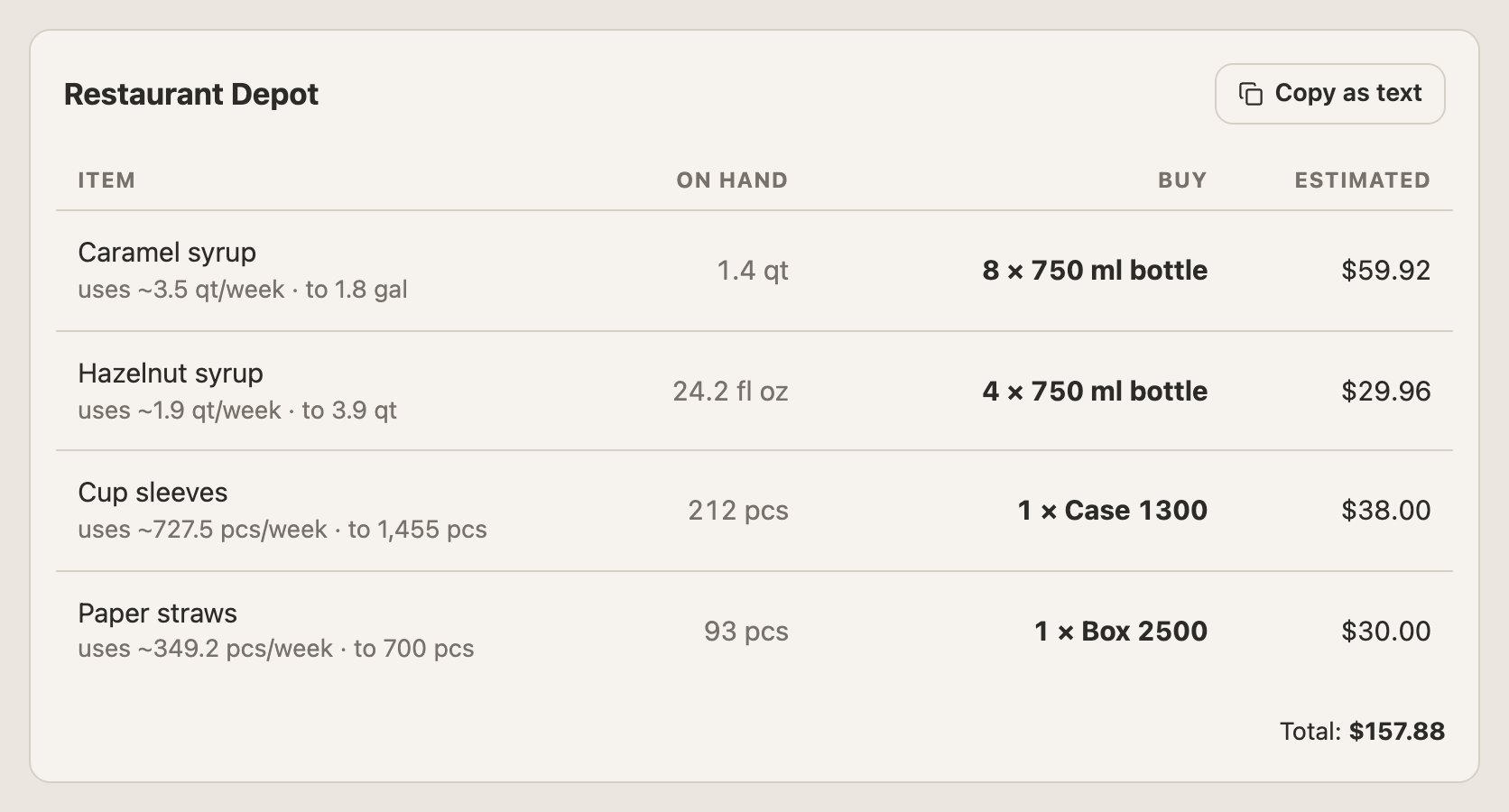
4. Every night. After close, the day's Clover orders come in and take ingredients off stock. Food cost and the shopping list follow.
What changes in the first month
Week 1
First count. Stock and prices are in; the dashboard shows sales and food cost from Clover.
Week 2
Second count shows variance: where milk or pastries went that sales don't explain.
Week 3
Reorder points settle from real usage; the shopping list stops guessing.
Week 4
Cost per drink is accurate enough to fix prices on the two or three drinks that lose money.
Pricing
$59/month
One location, everything included: POS sync, recipes and food cost, unlimited staff, counts, purchasing, waste, reports and export, 50 AI receipt scans a month. Two locations from $99/month. Pay yearly and save 20%. Cancel anytime.
Built with a real coffee shop
ShelfMule started as the back office for Adore Coffee House in San Diego, which runs on it every day.
Questions
Does Clover track ingredients for coffee drinks?
Clover tracks stock of menu items. Ingredient-level stock — beans, milk, cups used by recipe, size and modifier — needs a separate tool like ShelfMule that reads your Clover sales.
Do I need to install an app from the Clover App Market?
No. ShelfMule connects with an API token you create in the Clover dashboard. Nothing is installed on your devices.
What does ShelfMule read from Clover?
Items, categories, modifier groups, orders and the employee list. Access is read-only; ShelfMule never changes your menu or prices.
Which Clover devices does it work with?
All of them — Station, Mini, Flex. ShelfMule talks to your Clover account, not to the device.
Can I try it before connecting my real Clover?
Yes. Write to support@shelfmule.com and we'll show you a demo café with real data.
Count less. Know more.
Connect your POS, add your stock items, do your first count — about an hour, and the numbers start working for you the same evening. From $59/month, no contract.